
QSR Digital Menu Board Content Management
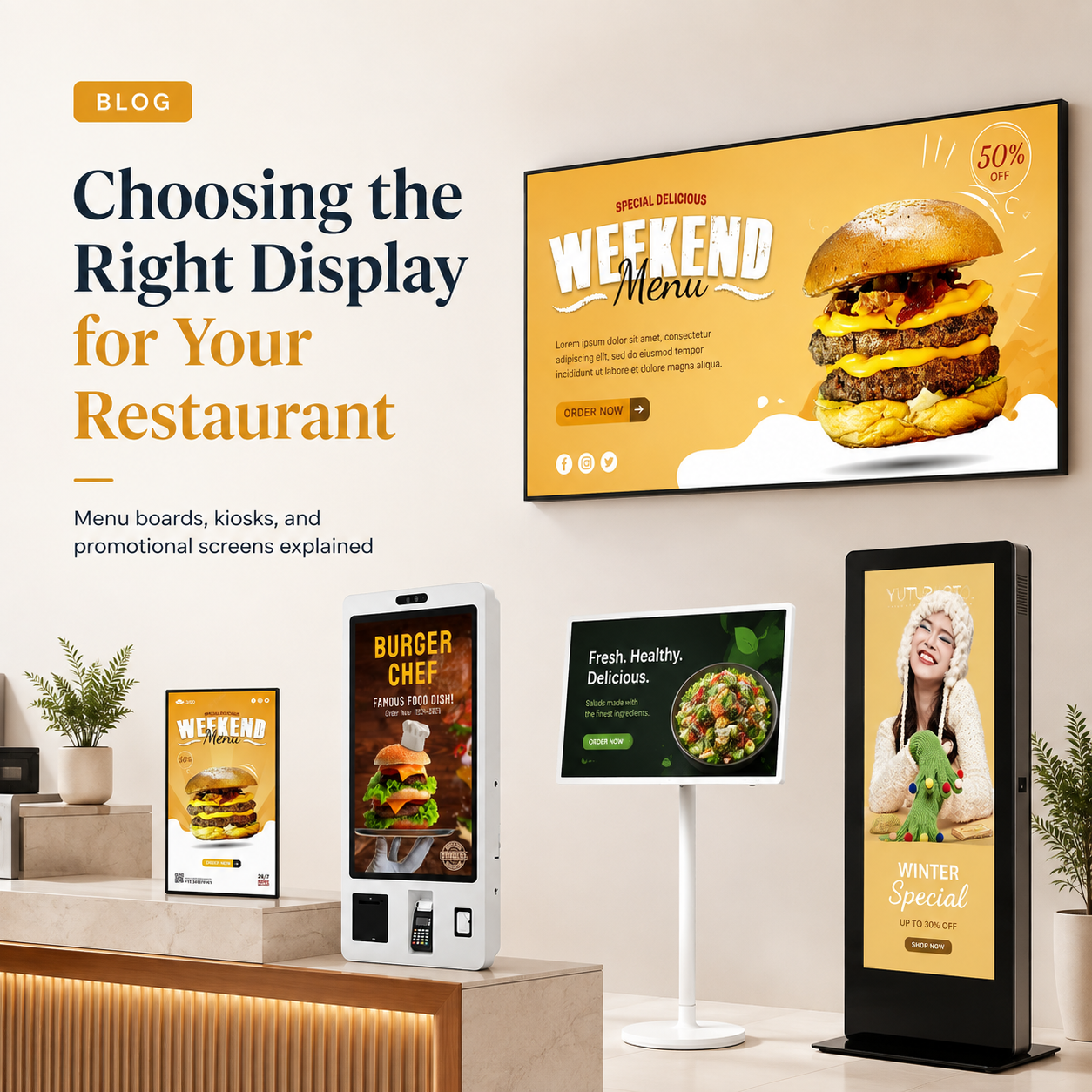
Qsr Digital Menu Board Content Management is the decision framework examined in this guide. The sections below turn sourced evidence into practical comparison criteria without overstating what the available research can prove.
SoC vs External Media Player: The Menu Board Decision Layer
For a QSR chain, the first decision in digital menu board content management is architectural: choose a system-on-chip (SoC) display that runs the CMS player firmware embedded on the panel, or an external media player, a separate unit that drives the display. That choice gates CMS compatibility, POS sync, failover behaviour, and per-location total cost of ownership (TCO). A complete digital menu board system has four parts: the display, the media player, the content management system, and the content itself, where the player is either embedded in the screen or a standalone unit [2]. Settle the content-serving layer first, and the software and hardware choices that follow become far simpler.
For product details and project planning, see Industrial Touch Monitor Selection Guide: Optical Bonding, Sunlight Readability & Wide-Temperature Design · Wintouch.
How Each Architecture Serves QSR Menu Content
Both architectures must handle the same menu workloads: real-time content distribution, daypart schedule automation, remote scheduling, and multi-location synchronisation — so the real difference is what runs the player. SoC displays run an embedded CMS player app on Android, Tizen, or webOS platforms; external players run a full operating system on a standalone box. Cloud-based systems manage either, letting a chain control every menu from a central dashboard without staff on site [1].
| Menu workload | SoC display | External media player |
|---|---|---|
| Real-time content distribution | Embedded player app pulls from CMS | Full-OS player renders and pushes |
| Daypart schedule automation | Supported via embedded scheduling | Supported with more granular control |
| Remote scheduling | Cloud CMS driven | Cloud CMS driven |
| Multi-location synchronisation | Central dashboard | Central dashboard |
The practical effect is that planning the digital signage network topology before rollout decides how each store’s boards receive and render content.
POS Integration and Dynamic Pricing: What the Architecture Allows
POS integration for dynamic pricing and daypart automation depends on the content-serving layer, not the size of the screen. Two update paths matter.
Webhook-driven live sync
With live hooks, when an item sells out the system can automatically remove or substitute it on screen with no manual update [3]. Real-time pricing and stock changes propagate to wall menus the moment the POS records them. This path is available in both architectures, but depth varies by platform; an external player running full-OS software typically exposes more per-item control than a constrained embedded app, and this should be verified in a hands-on trial before rollout.
Scheduled update paths
Where a store does not need live sync, changes propagate on a defined cadence — nightly pushes or scheduled daypart switches. Scheduling content to change by time of day or day of week suits most menu workflows and is lighter on network and processing [3]. Both SoC and external players support scheduled updates; the choice narrows to how fine-grained the scheduling and how deep the POS hooks need to be.
Failover Behaviour During Network Outages
The key question for a 24/7 menu board operation is what happens when a location loses connectivity. Both architectures should cache menu content locally, so the screen keeps serving a valid menu during an outage. The differentiator is volume and recovery: how much content the player holds and how the embedded versus standalone storage and processing perform under load. Before you pick either architecture, ask each vendor these questions:
- How much of the day’s scheduled content is cached on-device for offline fallback?
- What displays on screen during an outage, and does it still reflect daypart logic?
- How quickly does the player resync and restore real-time updates when the network returns?
Buyers should treat offline behaviour as a documented, testable feature, because it determines whether a back-office network failure reaches the customer-facing menu [2].
The TCO Decision Rule for 50+ Location QSR Networks
At scale, per-location cost and management overhead dominate the architecture decision. Score each dimension 1-5 for your own network, then weight each by your priorities.
| Dimension | Weight (your priority) | SoC score (1-5) | External player score (1-5) |
|---|---|---|---|
| Hardware cost per location | e.g. 30% | Higher | Lower |
| Player + mounting cost | None (embedded) | Adds a device | |
| Network and management overhead | Lower | Higher | |
| Failover robustness | Good | Stronger on heavy content | |
| POS / peripheral depth | Platform-limited | Full-OS flexibility |
The general rule: where per-location hardware and management overhead dominate, SoC typically wins; where you need full-OS flexibility, heavier content, or deep peripheral integration, external players retain the edge. Apply the scoring model to your own weighted priorities rather than a vendor default.
CMS Compatibility and Selection Once Architecture Is Chosen
Architecture choice narrows your CMS options. SoC displays require a CMS that supports the embedded platform (Android, Tizen, webOS), while external players open more generic CMS choices. Confirm CMS-player compatibility before rollout and test POS integration in the real environment — the CMS is the brain, controlling uploads, scheduling, and content across locations [3]. A short buyer checklist:
- Does the CMS explicitly support your chosen SoC platform or external player model?
- Does it handle multi-location control with location-level overrides?
- Does it integrate with your POS for live sync and daypart automation?
Test these in a single pilot store before a full deploys.
FAQ
How do digital menu boards handle network outages?
Boards should cache menu content locally so the screen keeps serving a valid menu when connectivity drops. The difference between architectures is how much content is cached and how quickly the player resyncs when the network returns. Ask your vendor to document the offline fallback behaviour before rollout [2].
For product details and project planning, see wintouchtech.com.
What is a SoC display for digital signage?
A system-on-chip (SoC) display runs the media player embedded on the panel, so no separate box is needed — you connect the screen to the network and install the CMS player software directly on it [1]. It is a common choice for multi-location networks because it removes a per-site device to buy and manage.
How does POS integration work with digital menu boards?
POS integration keeps the on-screen menu in step with live stock and pricing, either through webhook-driven real-time sync or scheduled updates. With proper hooks, a sold-out item can be removed or substituted on screen automatically, with no manual update [3]. Confirm the integration depth in a real-environment trial.
Why does architecture choice gate CMS selection?
SoC displays require a CMS that supports the embedded platform, while external players accept more generic CMS software. Matching the CMS to the player is required for scheduling, dayparting, and remote control to work. Verify CMS-player compatibility before rollout to avoid locking in software that cannot run your hardware [3].
Related guides
- QSR Digital Menu Board Specification Checklist: A 7-Factor Procurement Guide
- Multi-Site Digital Signage Procurement Strategy: A 5-Phase Guide for QSR and Retail Chains
Content reviewed: 2026-08-06.
Evidence confidence
Confidence: Medium. This rating reflects cross-checking 3 sources across 3 independent domains. It measures evidence coverage, not certainty; verify safety-critical work against manufacturer instructions and local requirements.
References
APA 7th edition
- ↑Cited 2 timesLsquared. (n.d.). Digital Signage for Restaurants & QSR: Menu Boards,. Retrieved August 6, 2026, from https://lsquared.com/digital-signage-in-restaurants.
- ↑Cited 3 timesStrive AV. (n.d.). Digital Menu Boards: Complete Guide for UK Restaurants & QSR. Retrieved August 6, 2026, from https://striveav.com/insights/digital-menu-boards-complete-guide.
- ↑Cited 5 timesAgneovo. (n.d.). What Is A Digital Menu Board? A Beginner’s Guide For Small QSR Owners. Retrieved August 6, 2026, from https://www.agneovo.com/global/insight/what-is-a-digital-menu-board-a-beginners-guide-for-small-qsr-owners.
You should also read:
QSR Digital Menu Board Specification Checklist: A 7-Factor Procurement Guide
Why QSR menu boards fail in practice (the gap most guides miss) This QSR digital menu board specification checklist exists because most menu board failures trace back to a single error: specifying one board type across all positions. A quick-service restaurant typically mounts three distinct…
Continue reading...
Multi-Site Digital Signage Procurement Strategy: A 5-Phase Guide for QSR and Retail Chains
Most multi-site digital signage procurement strategies fail because chains treat a 200-location deployment like a scaled-up single-store project. Without a structured procurement framework, operators encounter fragmented hardware specs, ballooning installation costs, and support nightmares that compound with every new site. A proper multi-site digital signage…
Continue reading...